
Tools & accessories
Square-to-round adapter
Fit selected round European-style smart controls to a standard UK single box.
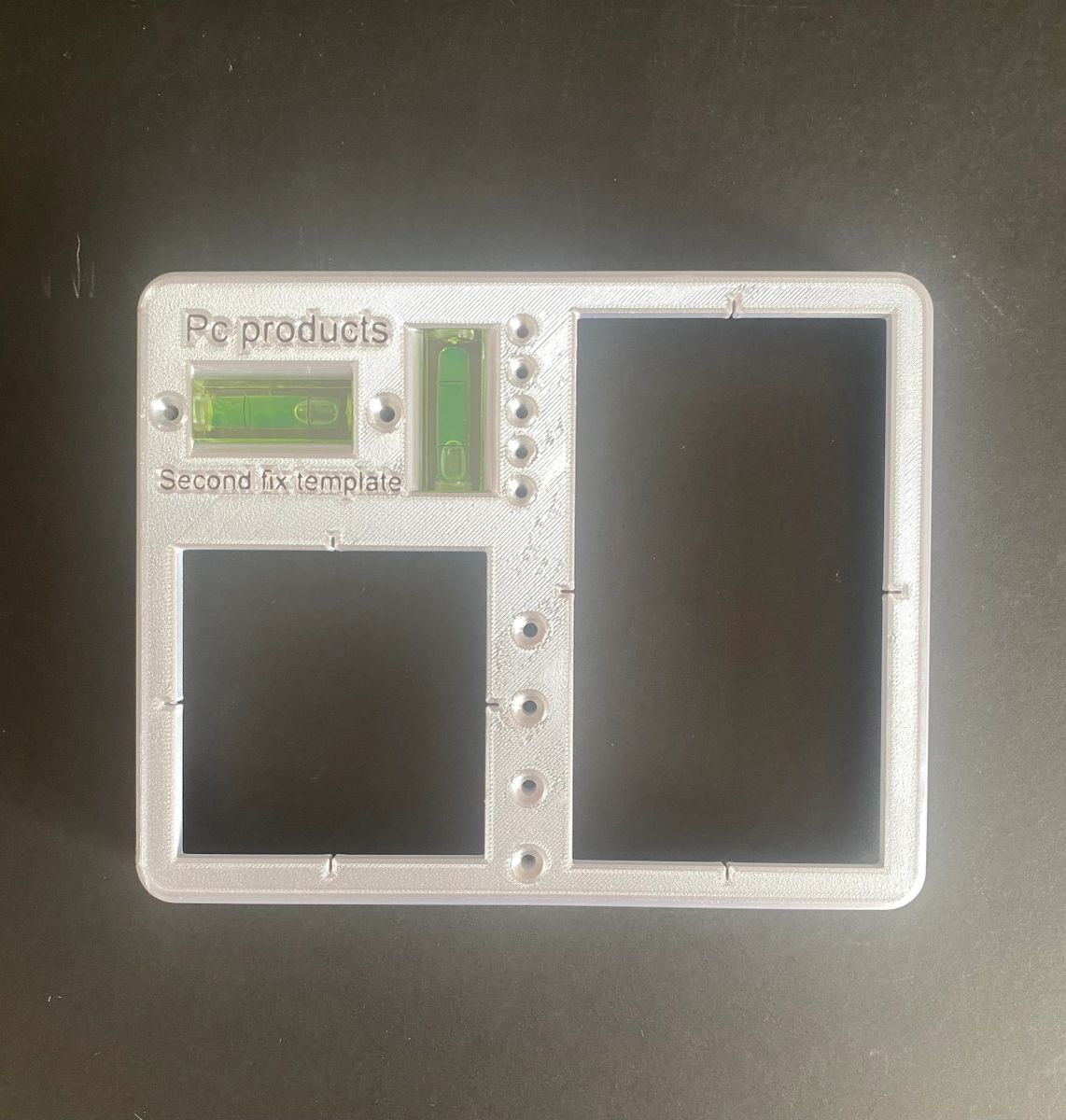
Tools & accessories
Mark repeatable socket and switch positions with a cross-line laser and no tape-measure arithmetic.
The box template is designed to speed up consistent socket and switch setting-out. Its reverse side also supports accurate faceplate fitting. Any project-specific mounting heights or standards should be checked against the current drawings and requirements.
View latest price & buyContinue to PC Products for current price, stock, pack options, delivery and secure checkout.
Fitting help
Use the practical guide for preparation, fitting, plastering and clean removal before the final accessory is installed.
Setting-out tools and preparationBest suited to
Why use it
Product details
Installation overview
Establish the project datum with a correctly set laser.
Use the template to mark each box position and spacing.
Verify the marks against the drawings before cutting or chasing.
Use the reverse face as intended when aligning faceplates.
Check the product instructions, fitting dimensions and relevant electrical requirements before installation.
Keep comparing
Tools & accessories
Fit selected round European-style smart controls to a standard UK single box.
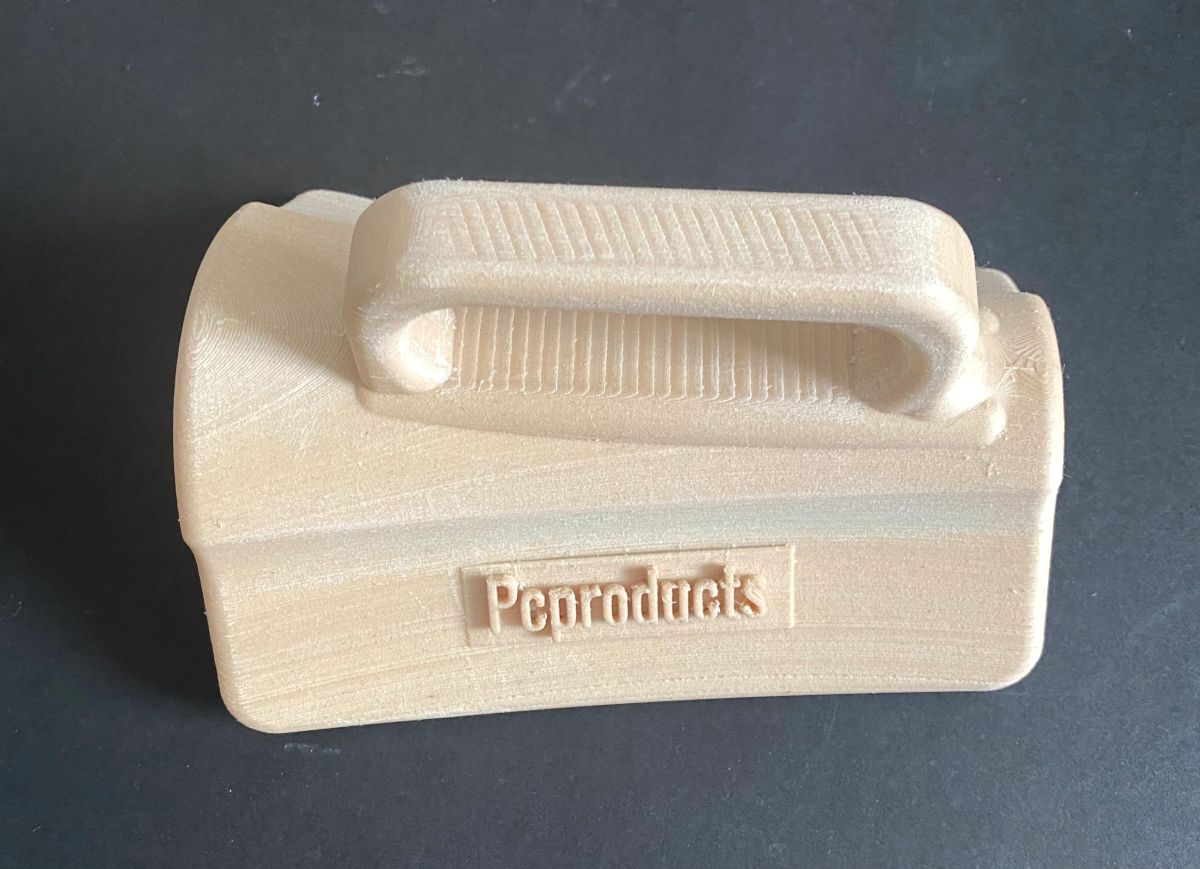
Tools & accessories
A specialist hand tool for forming bullnose curves from roughly 25 to 50 mm diameter.
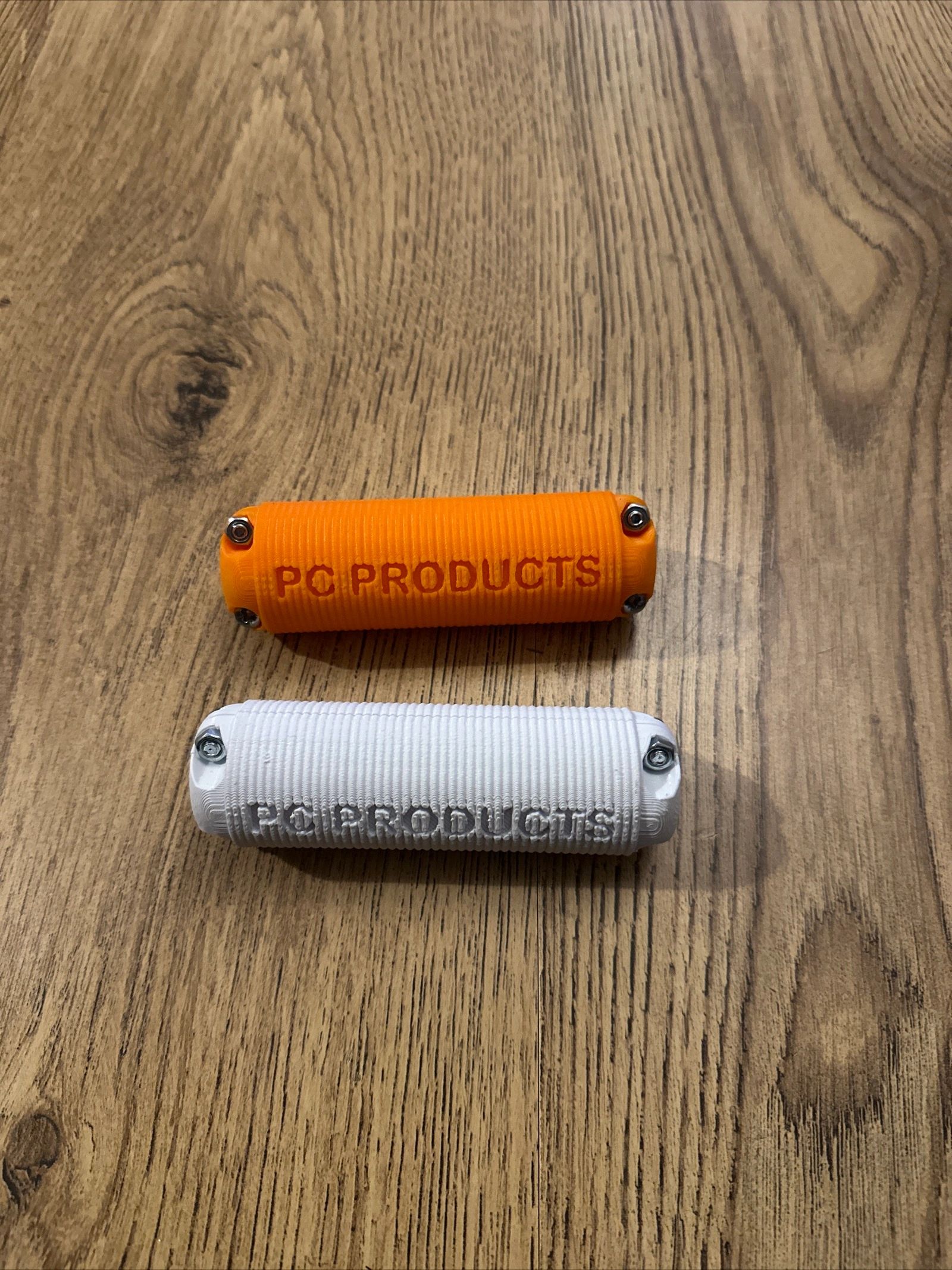
Tools & accessories
A wider 30 mm grip that fits over many standard wire bucket handles.